Stairs & balusters
Set out flights, turns and baluster positions.
Work out concrete volume, reinforcement quantities and stair dimensions from your measurements. Check diagrams and keep calculations together for your next job.

For iPhone · iOS 18 or later
Free to download.
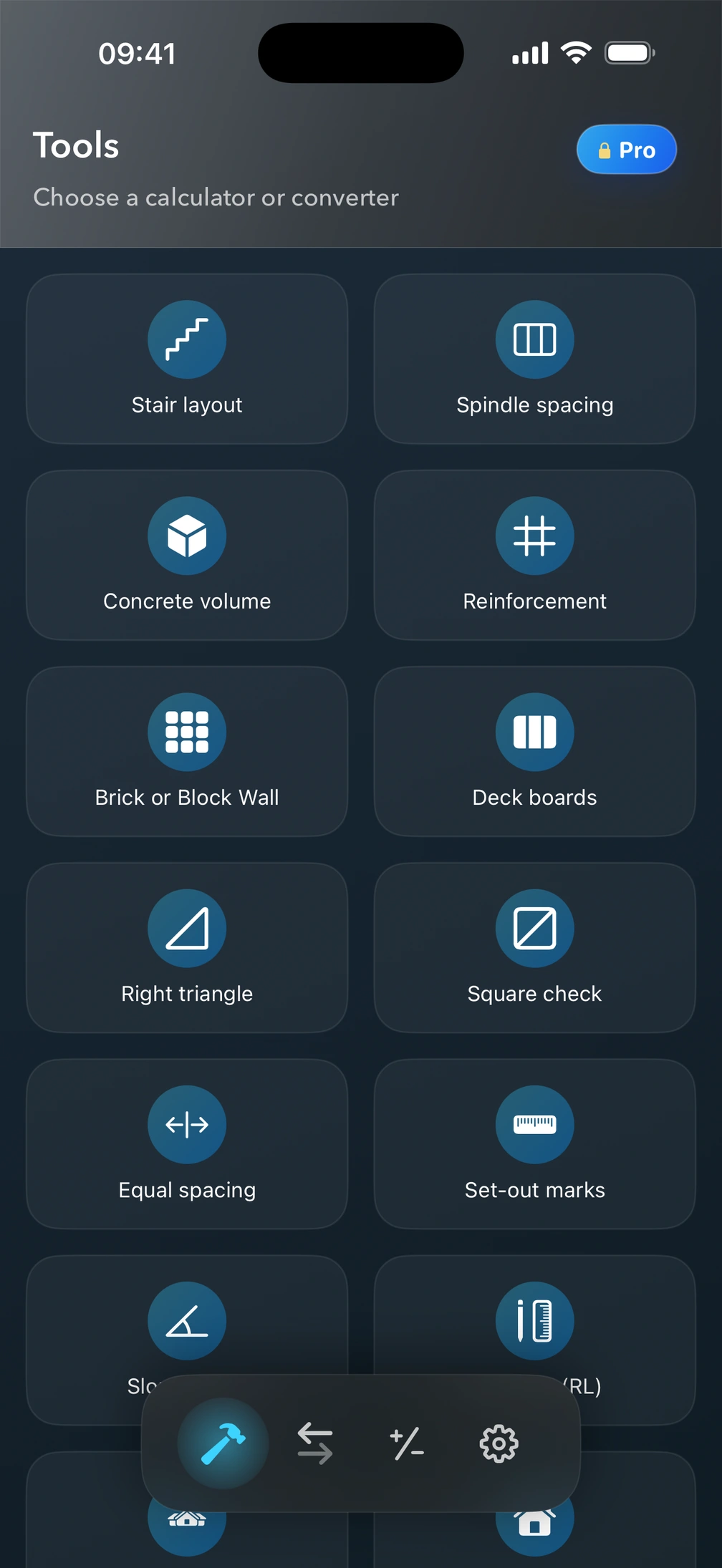

Calculate here without an account. Explore the full toolkit in Pro² for iPhone.
Find gradient and angle from rise and horizontal run.
Free in your browserCalculate sloping roof area from plan area and pitch.
Free in your browserFind whole bags from volume and mixed concrete yield per bag.
Free in your browserTransfer levels using backsight and foresight staff readings.
Free in your browserCount spindles with equal gaps at both ends.
Free in your browserStart with what you are measuring. Read about the inputs, results and limits of each tool in Pro² for iPhone.
Set out flights, turns and baluster positions.
From concrete volume to reinforcing bar schedules and mesh coverage.
Lay out board courses and estimate brick or block walls.
Cover a roof slope and set out a rising wall.
Estimate paint, gravel, soil and asphalt from measured dimensions.
Find a diagonal, repeat a spacing or transfer a level.
Start with the measurements, then see the quantities and dimensions they produce.
One rectangular slab with a chosen allowance.
One slab, one layer. A runs along the length; B across it.
Between posts, with gaps at both ends.
Choose a tool and use metric units or feet and inches. Match each field to the dimension on its diagram.
Read geometry, quantities and allowances together. Calculate after changing inputs so the result reflects the values you intend to use.
Keep your measurements with the result. Reopen a saved calculation, change the inputs and save the update or a separate version.
Keep the measurements with a named calculation. Share the calculated result when you need to discuss the job.
Revisit saved work on your iPhone. Keep the original until you choose to update it, or save a separate version.
Convert units and do everyday arithmetic alongside your construction calculations, all on your iPhone.
Units are part of the calculation. Check the unit beside each input and result, especially when moving between millimetres, metres, cubic yards and US tons.
Calculate free here, read the guides, or continue in Pro² for iPhone.
Pro² helps with geometry, setting out and material estimates. Dimensions, cover, laps, density and allowances still come from the job. Structural design, product instructions and local requirements need their own checks.
Open all calculator guides
Use your own measurements for stairs, concrete and materials. Keep the calculations together on your iPhone.
For iPhone · iOS 18 or later
Free to download.