Pro² 1.15.0
- Improved handling of measurement units and saved calculations.
- Updated translations and clearer in-app text.
- Bug fixes and stability improvements.
Released improvements to construction calculations, saved work and measurement tools.
Construction Calculator: Pro² · App StoreEstimate concrete volume in cubic yards or cubic metres for a slab, footing, wall, column, steps or post holes in Pro² for iPhone. Keep net volume, your allowance and delivery planning separate.
Choose a bar grid, manufactured mesh coverage or a list of straight bars. Then plan purchase stock where the tool supports it.
For parallel board runs across a rectangular deck. The run length follows the boards; the cross width determines how many courses fit.
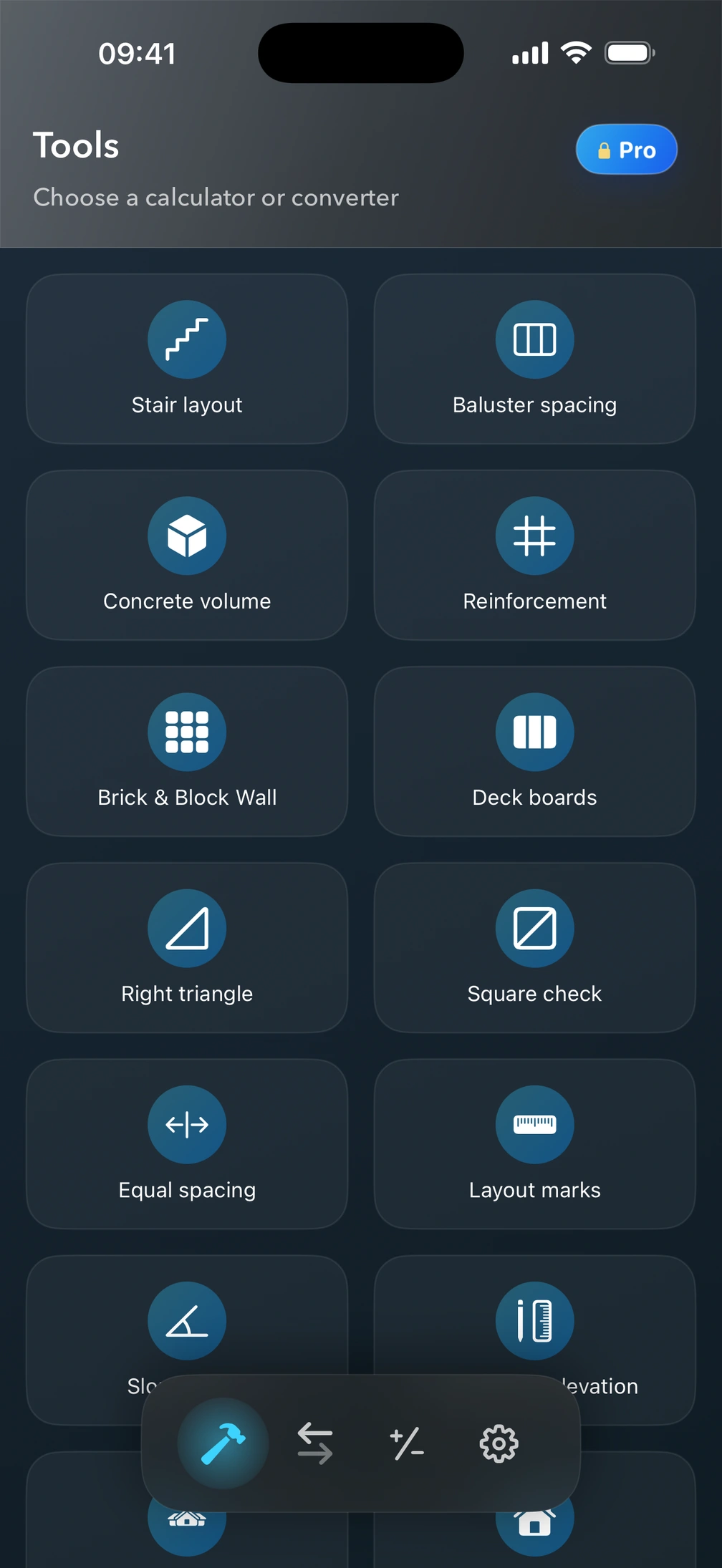

Save and name calculations in all 25 construction calculators, from concrete and stairs to roofing. Reopen them later, update them, or make a copy for another job. Pro² also restores your inputs, calculator settings, and last successful result when you reopen the app.
Free access includes three calculations per local calendar day, shared across tools that use Calculate, including Converter. Quick Calculator is outside that counter. There is one shared free named-save slot for tools without paid coverage.
Full Pro covers the app; lifetime purchases cover selected tool families. Covered tools get unlimited calculations and named saves, with PNG/PDF export. Reinforcement and Brick & Block Wall have no separate lifetime purchase. Available prices and terms are shown in the app before purchase.
New L-shaped and U-shaped stair calculators support winders or landings, results for every flight, comfort checks, detailed plan and elevation views, tread layouts, and PNG/PDF export.
New: Spiral Stair Calculator
Plan spiral stairs from total rise, ideal rise, inside radius, tread length, and total rotation. Calculate risers, treads, actual rise, angles, stringer lengths, vertical separation, arcs, chords, and outside diameter.
Review top, tread, and side diagrams with a detailed measurement table for every tread. Work in Metric or Imperial units and export the layout as PDF or PNG.
We have also improved stair navigation and refined terminology throughout the app.
Added 11 new languages: Bangla, Gujarati, Kannada, Malayalam, Marathi, Odia, Punjabi, Slovenian, Tamil, Telugu, and Urdu. Improved Quick Calc and construction measurement input, with better support for metric and imperial units, feet, inches, and fractions. Calculators now keep entered values and selected units more reliably when moving between screens. We also fixed baluster quantity controls, the imperial keyboard layout for right-to-left languages, and several interface issues.
Quick Calc now supports feet, inches, and fractions for construction measurements. Add, subtract, multiply, and divide mixed dimensions. We also fixed a layout issue that could cut off the right side of Quick Calc with accessibility button outlines enabled.
Improved Imperial units in construction calculators: volume results can now switch between ft³ and yd³, feet/inches input remains available with a new yards option, Concrete Slab, Concrete Piers/Post Holes, Soil, Gravel, and Asphalt calculators were updated, Soil and Asphalt now support US tons and lb, and value formatting and calculation stability were improved.
Added a paint coverage calculator: enter wall size, ceiling/floor, doors, windows, number of coats and paint coverage to see exactly how many gallons or liters you need. You can now switch units (mm, cm, m) directly inside the calculators, based on user requests from the in-app chat.
Unit Converter widget now available. Add it to your Home Screen to convert length, area, volume and more in one tap — without opening the app.
Small improvements and fixes to the existing calculators.
Small improvements and fixes to the existing calculators.
First public release. The original list of features could not be recovered.

Use your own measurements for stairs, concrete and materials. Keep the calculations together on your iPhone.
For iPhone · iOS 18 or later
Free to download.